


1, It is NOT Bi-directional, and does NOT support 1 in 2 out mode. It Only Supports ONE monitor. 2, NOT support Automatic Switching. 3, Not support ARC, CEC, or FreeSync.
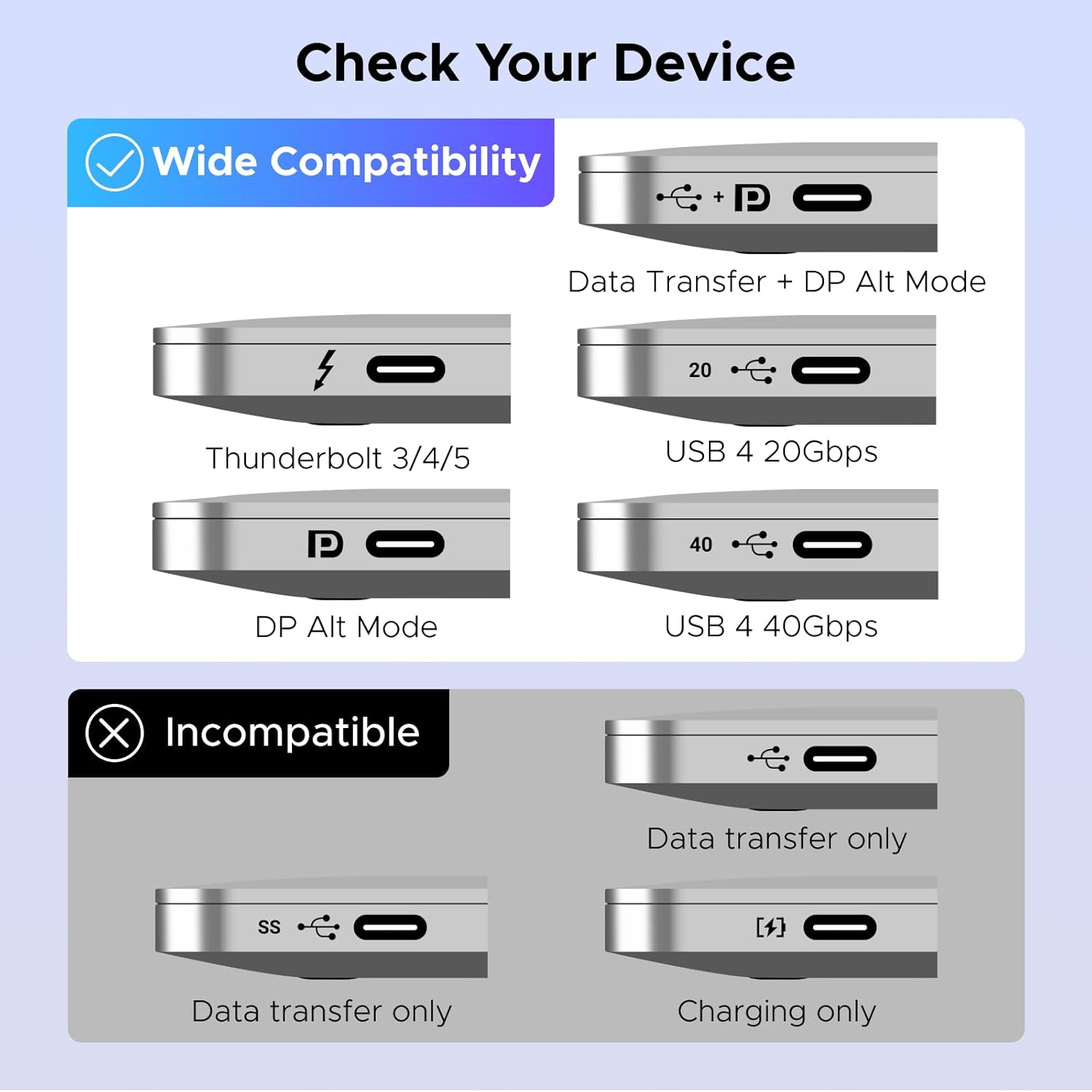
2, Before use, please make sure that the USB-C port of the input device supports DP Alt Mode, otherwise the video cannot be output.
3, Do not connect the Thunderbolt Docking Station or the Thunderbolt Hard Drive Enclosure.
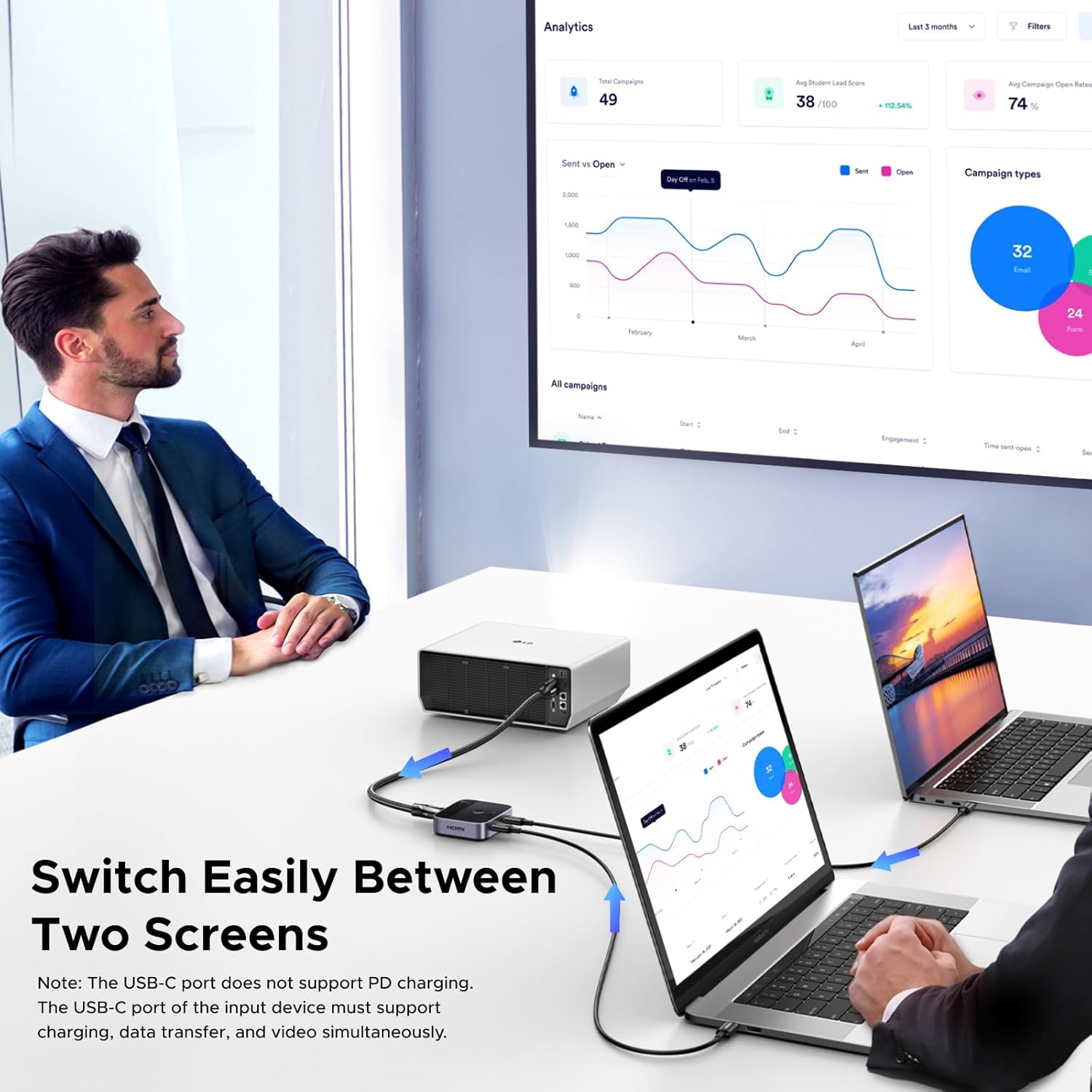
【2-In-1 Desktop Switch】
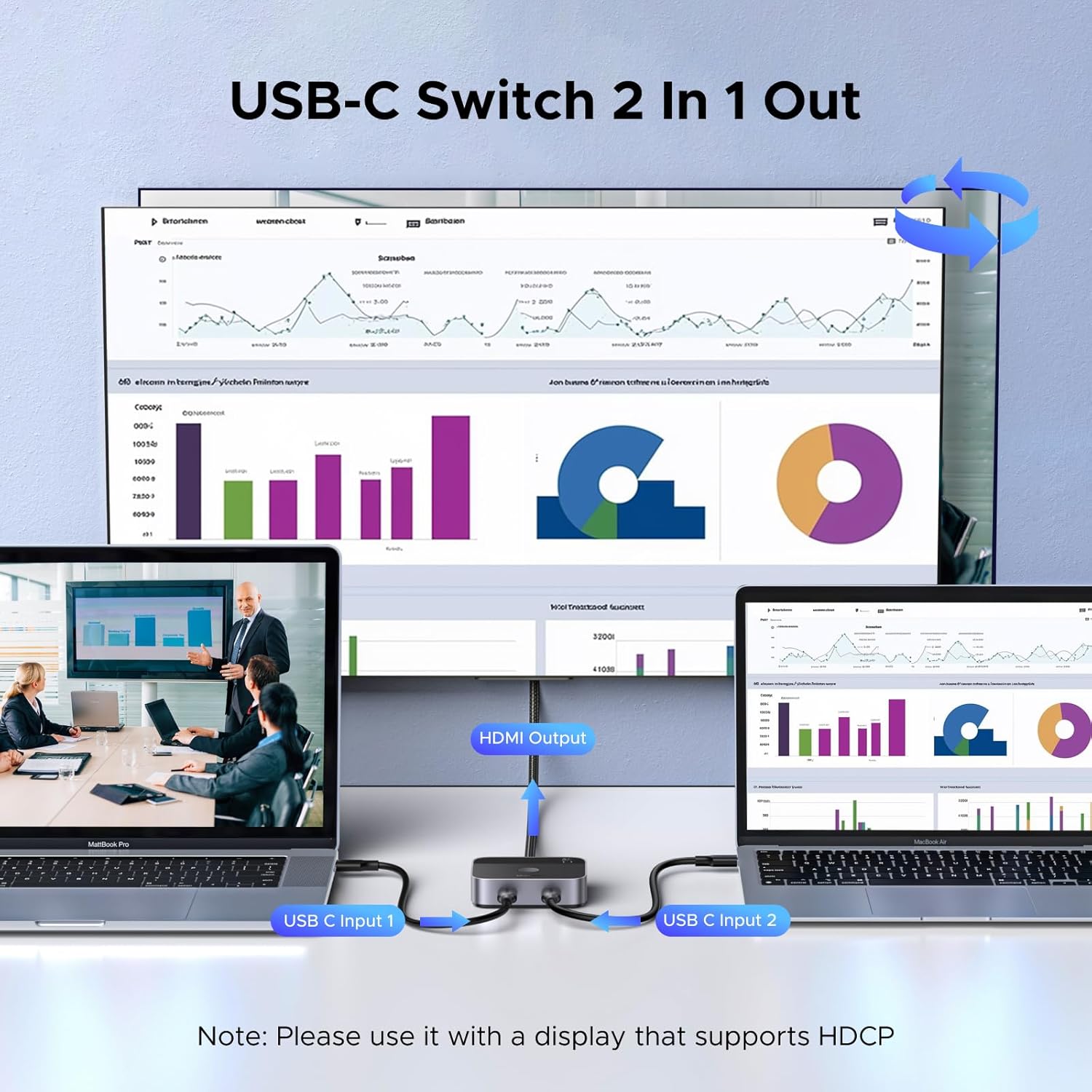
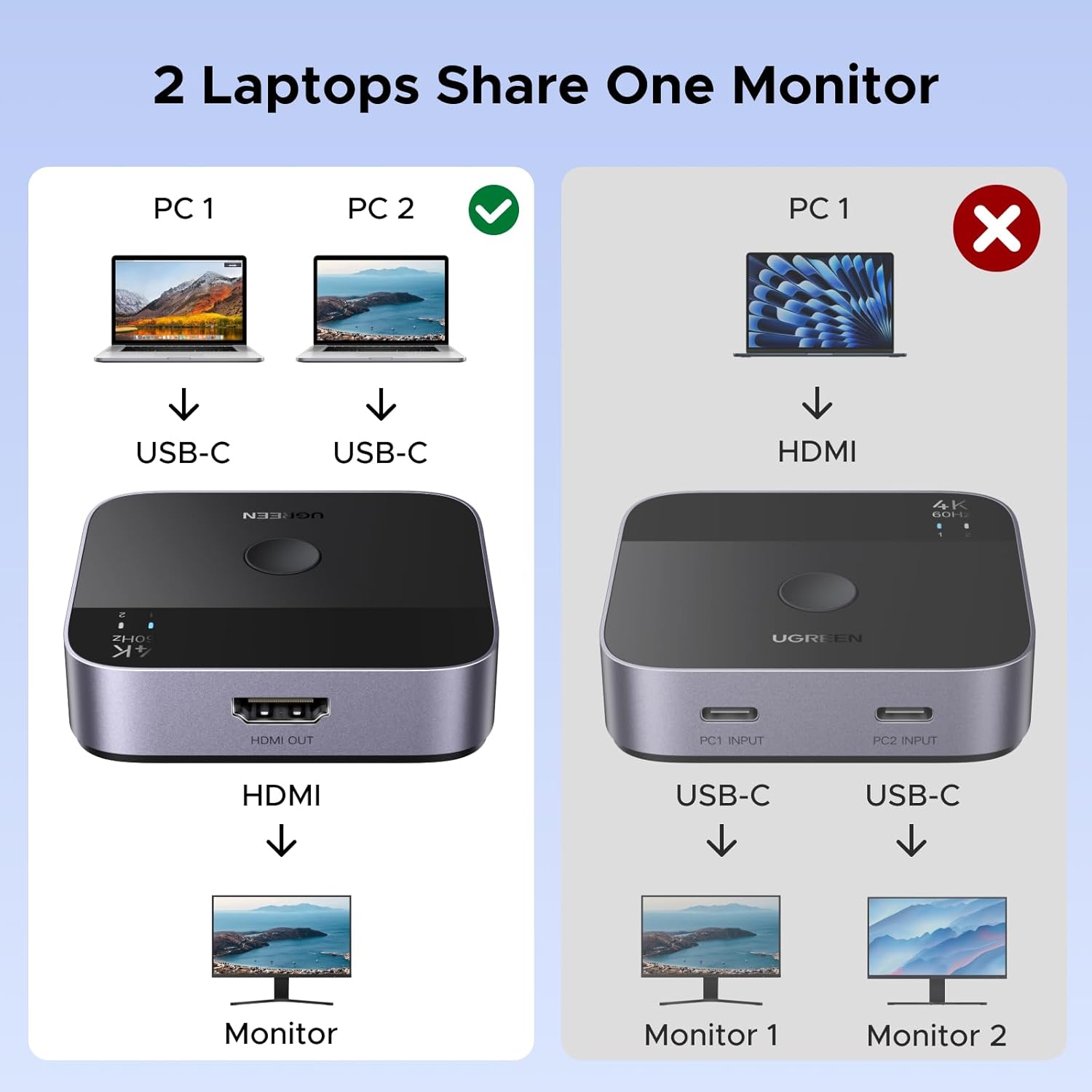
Connect 2 USB-C source devices such as laptops, tablets or supported smartphones to one HDMI display.
Switch between devices easily without frequently plugging and unplugging cables.
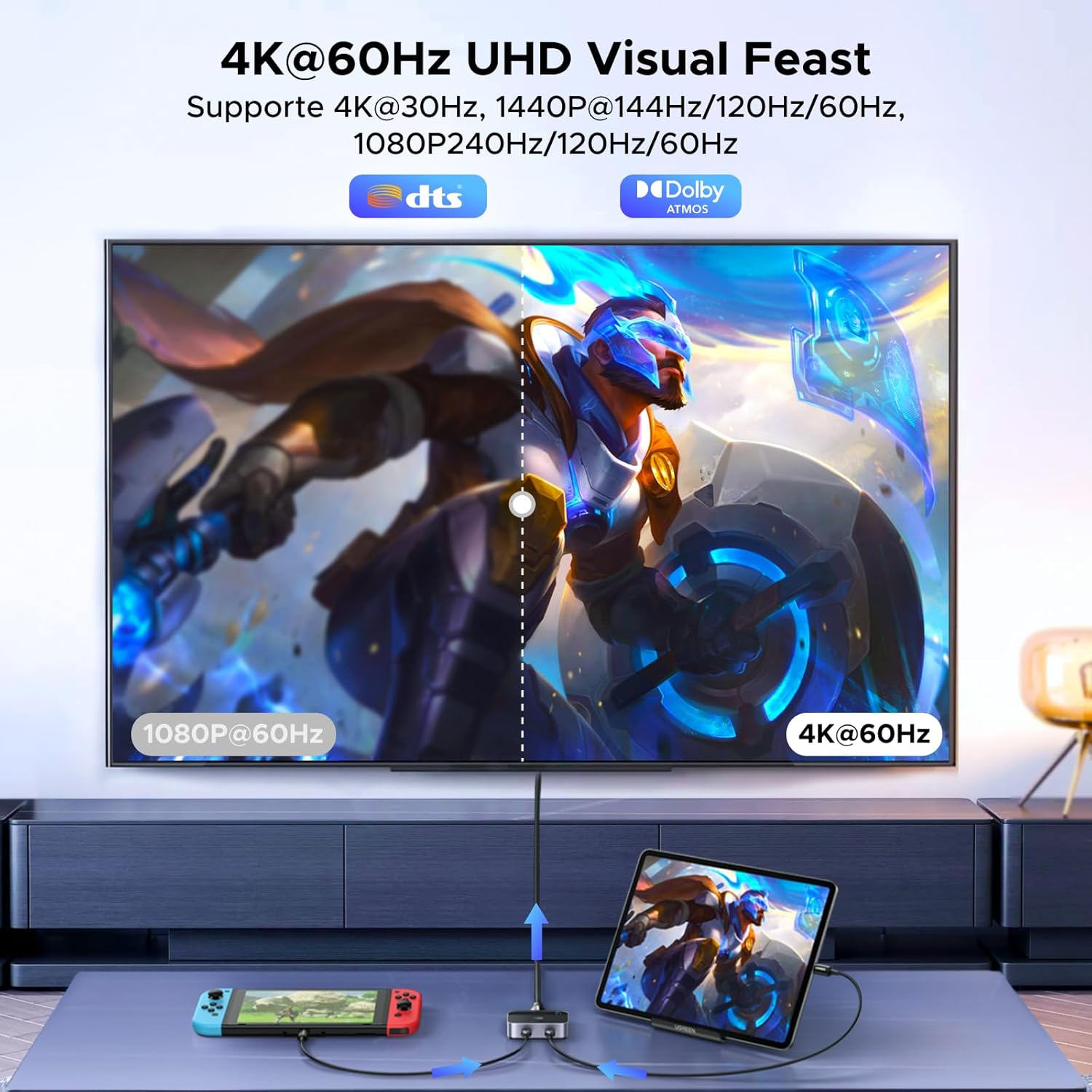
【4K@60Hz Ultra HD】
Supports resolutions up to:
• 4K @ 60Hz
• 4K @ 30Hz
• 2K
• 1080P
Enjoy smooth video playback and clear image quality.
【18Gbps High-Speed Transmission】
Supports bandwidth up to 18Gbps for stable and low-latency video transmission.
Premium aluminium housing helps improve durability and heat dissipation.
【HDR / HDCP 2.2 / Dolby Atmos Support】
Supports high-quality video and audio transmission when used with compatible devices, displays and content.
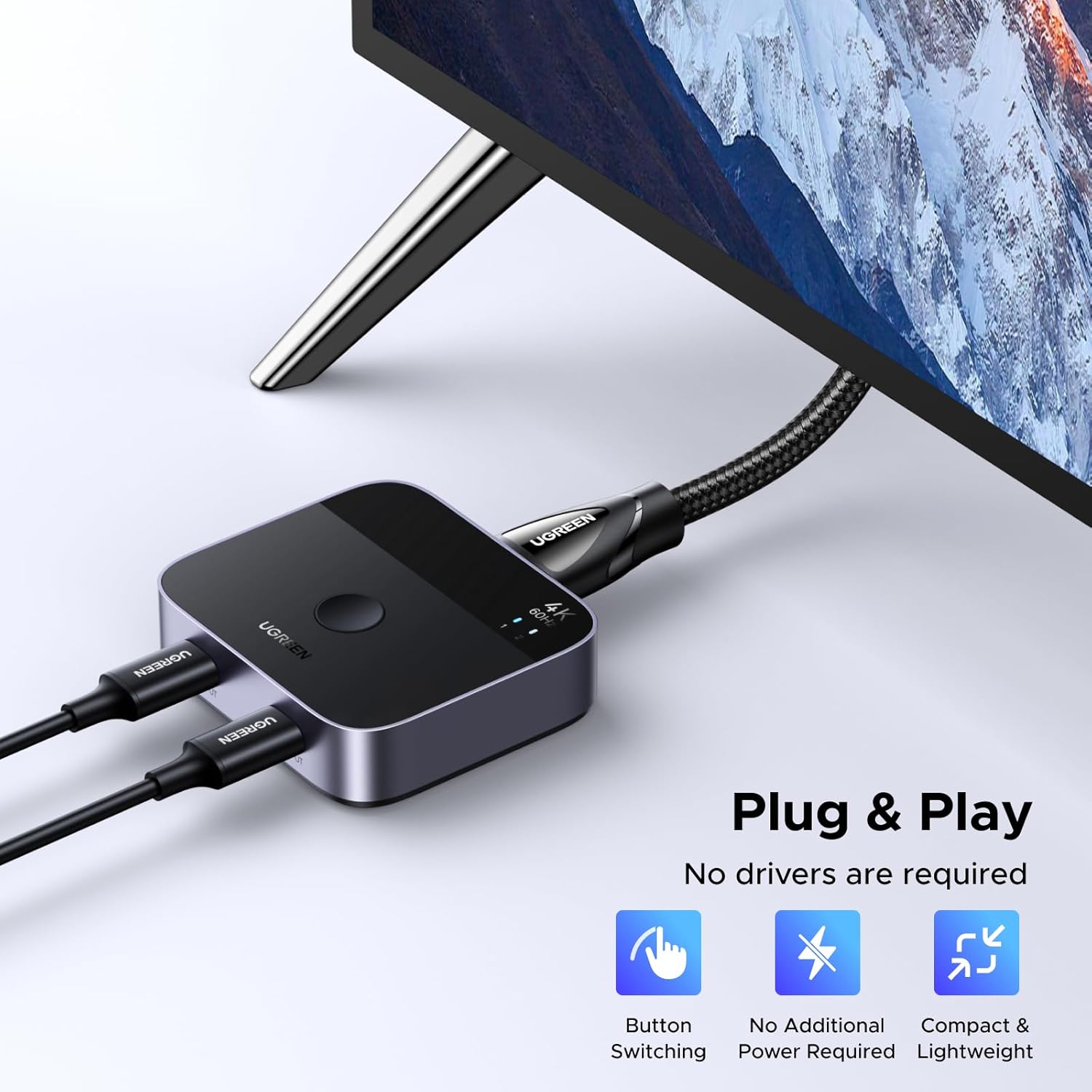
【Plug & Play】
No driver or software installation required.
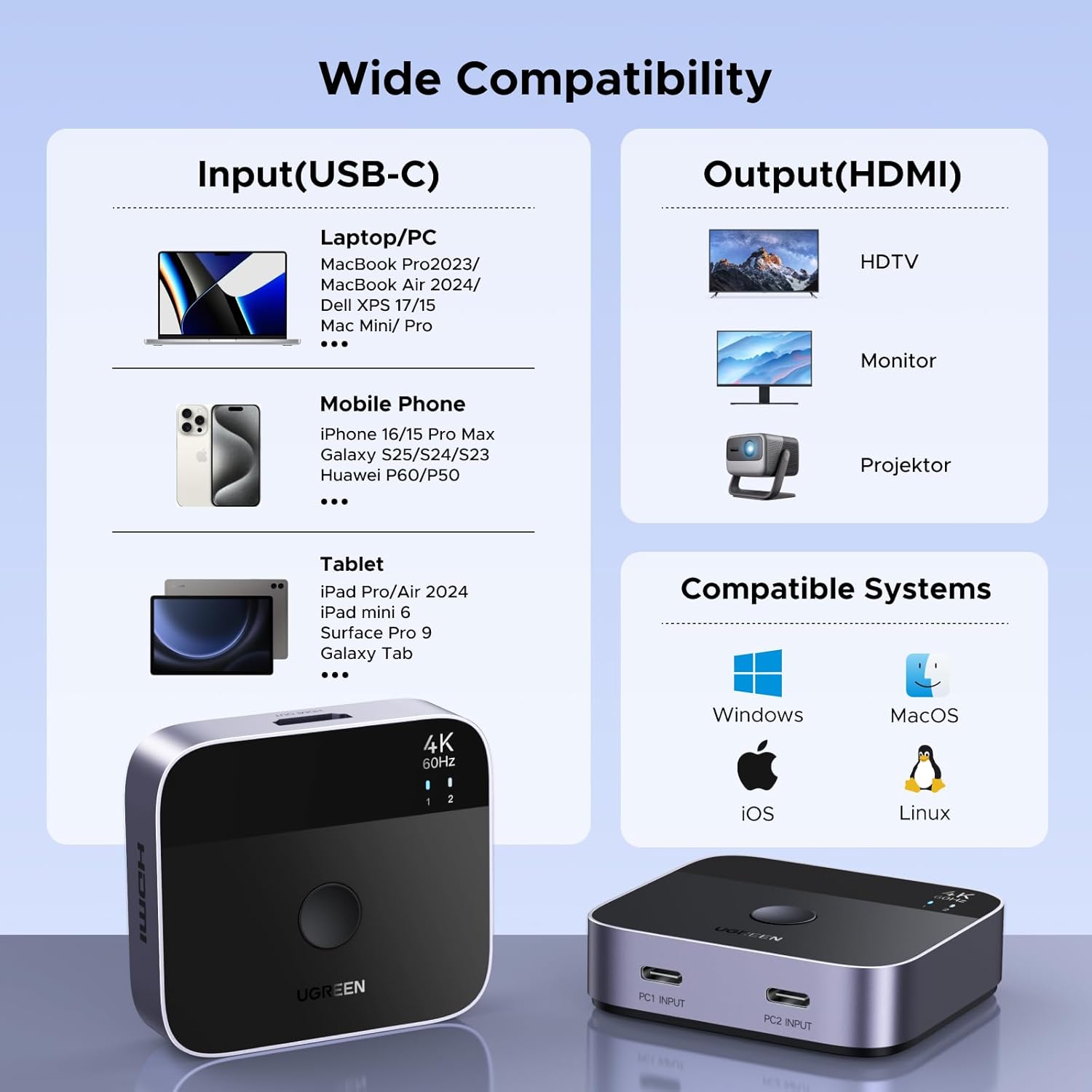
Compatible with major operating systems including:
• Windows
• macOS
• Linux
• iPadOS
• iOS
💻 Compatible Devices
Works with USB-C devices that support DisplayPort Alt Mode / Video Output, including compatible:
• MacBook / MacBook Pro / MacBook Air
• Windows USB-C laptops
• iPad Pro / iPad Air
• USB-C smartphones with video output
• Steam Deck
• ASUS ROG Ally
• Other USB-C devices with DP Alt Mode
⚠️ PLEASE CHECK BEFORE PURCHASE
1. USB-C video output is required
The USB-C port on your laptop, tablet, phone or gaming device must support:
DisplayPort Alt Mode / DP Alt Mode / USB-C Video Output
If the USB-C port supports charging or data only, there will be NO video output.
The USB-C cable used between the source device and the switch must also support video transmission.
2. 2 In 1 Out ONLY
This product supports:
✅ 2 USB-C source devices
✅ 1 HDMI monitor
It does NOT support:
❌ 1 input → 2 monitors
❌ Dual-monitor / extended desktop output
❌ Two monitors at the same time
3. Manual switching only
❌ No Automatic Switching
Press the switch button manually to select the desired source device.
4. Functions NOT supported
❌ ARC
❌ CEC
❌ FreeSync
5. Do NOT connect the USB-C input to:
❌ Thunderbolt docking stations
❌ Thunderbolt hard drive enclosures
Connect the switch directly to a compatible USB-C source device whenever possible.
📌 Connection
Laptop / Tablet / Phone 1 ─ USB-C ┐
├→ Switch → HDMI → Monitor / TV
Laptop / Tablet / Phone 2 ─ USB-C ┘
📦 Package Contents
• USB-C HDMI Switch × 1
• Accessories as supplied in original retail package
⚠️ Please check your device's USB-C specifications before ordering.
If you are unsure whether your USB-C port supports video output, please contact us with your device model before purchase.